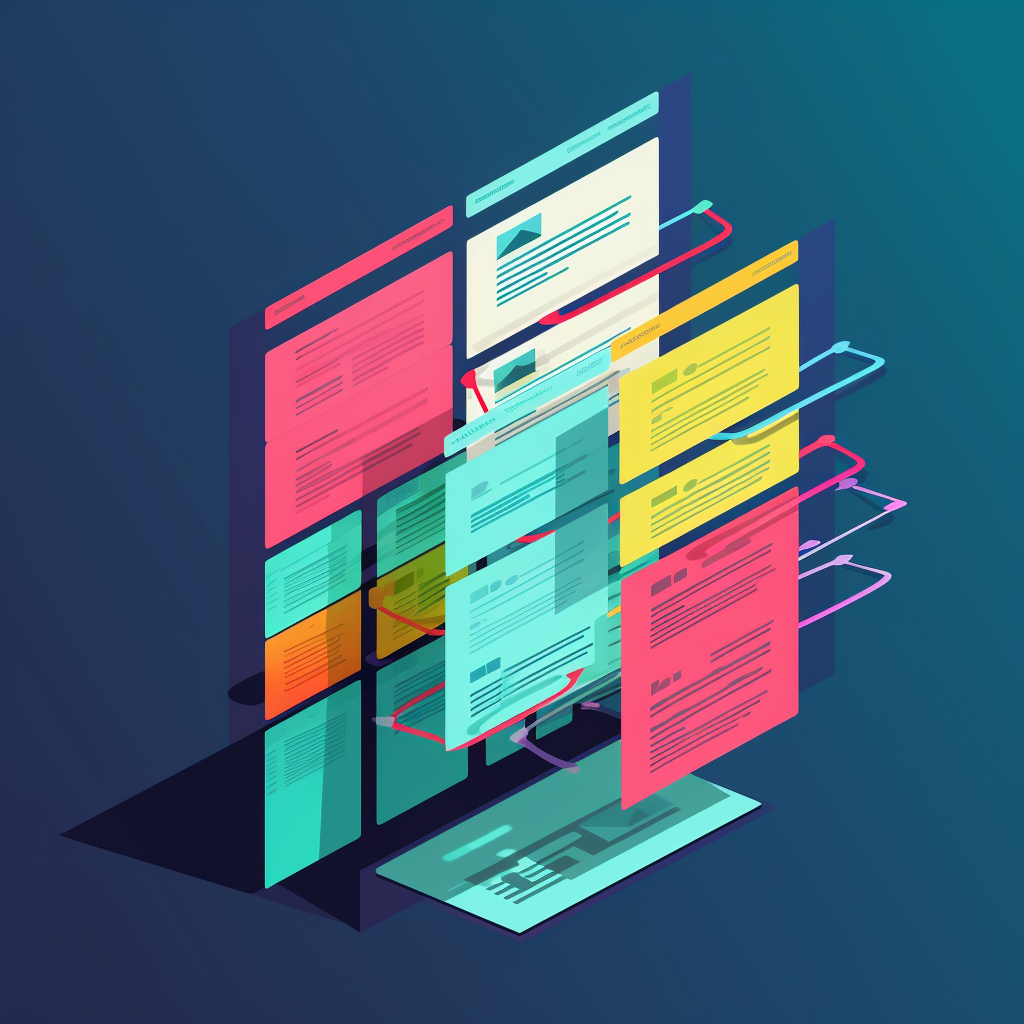
Microsoft Dynamics 365 is flexible on purpose. The default tables and views are a start, not the product you ship to a team. The work is to model the fields, lists and reports around real decisions.
Custom fields first
Add only fields that a person will search, filter or report on. A graveyard of unused columns makes every form slower and every training session worse. Name fields in the language of the team, not in internal jargon from the first workshop.
Views and filters
A good view answers one job: “What do I handle today?” Keep public views few and named after the job. Filters belong on the columns people already trust. If a filter needs a paragraph of explanation, the field is wrong.
Analytics and reporting
Charts are only useful when the underlying fields are clean. Define the metric before you draw it. Then lock the view so two managers do not report two different “pipelines”.
What to do this week
Pick one process. Remove unused fields. Rebuild one view. Put one report on a schedule. Dynamics pays off when the screen matches the work, not when every checkbox is filled.